
Hello and welcome back!
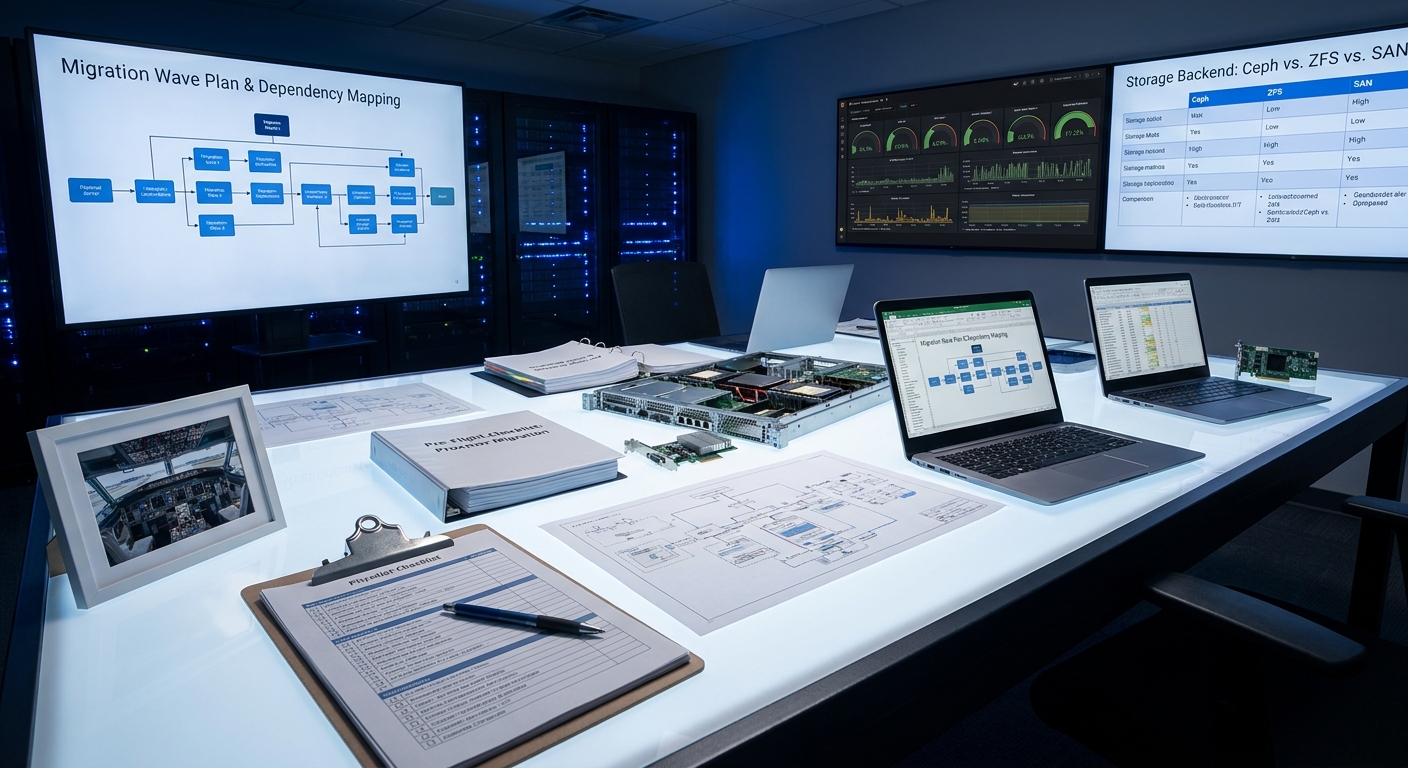
If you’ve ever watched a pilot walk around their aircraft before takeoff, you’ve seen something beautiful: professional paranoia. They’re not hoping everything works—they’re confirming it. Today we’re bringing that same mindset to your Proxmox migration.
Welcome to the single most important episode in this entire series. We’re calling it the Pre-Flight Check, and by the end of this post, you’ll have a complete checklist that turns a potentially terrifying migration into a controlled, almost boringly successful operation.
Because here’s the truth I’ve learned the hard way: the real work of any migration happens on the ground, not during the move.
Why Most Migrations Become Weekend Nightmares
I’ve seen it too many times. A team gets excited about new hardware, spins up Proxmox, and starts moving VMs with more hope than strategy. The result? Extended downtime, mysterious performance regressions, or that special moment when you discover an undocumented dependency at 2:17 a.m. on a Sunday.
This planning phase isn’t bureaucratic busywork—it’s your primary risk mitigation strategy.
The very first question we ask isn’t “How do we move these machines?” It’s “Why are we doing this?”
You need a crisp, measurable definition of success. Is it literally zero data loss? Is it under five minutes of downtime for critical services? A 15% performance improvement? Write it down. Make it your North Star. Every decision that follows gets measured against this definition.
Discovery: Mapping Your Virtual Estate
Once you know why, it’s time to figure out what you actually have.
This goes way beyond a simple spreadsheet of CPU, RAM, and OS versions. I want to know the personality of each machine.
- What are its actual disk I/O patterns?
- How chatty is it on the network?
- Which services does it truly depend on?
The most critical (and most overlooked) part is dependency mapping. I like to think of it as figuring out which VMs are family—they need to travel together. Migrate a web server without its database and you’ve just created a very expensive paperweight.
Once you have this map, you can create “migration waves”—logical groups of systems that belong together. This is the difference between a controlled relocation and digital whack-a-mole.
The Hardware Reality Check
Now let’s talk about the physical world. This is where I see teams get surprisingly sloppy.
My first move is always the same: I take the exact bill of materials for my target servers and cross-reference it against Proxmox’s hardware compatibility list.
Pro tip: Don’t obsess over the CPUs first. The usual villains are the I/O components—RAID controllers, network cards, and HBAs. These are the pieces that have to speak fluent “outside world,” and driver issues here will ruin your day.
While you’re at it, update every piece of firmware. It’s a 10-minute task that has saved me days of troubleshooting. Consider it cheap insurance.
Choosing Your Storage Philosophy
This is one of the most important long-term decisions you’ll make. Get this right and everything else becomes easier.
Here’s how I think about the three main paths:
Local ZFS – When I want a powerful, self-contained node with rock-solid data integrity, this is my go-to. The performance is fantastic. The trade-off? It’s not shared, so live migration between nodes isn’t an option.
Ceph – This is the hyper-converged superstar. It takes local disks across multiple nodes and creates one resilient, distributed storage fabric. It’s magical when done right, but it demands a properly designed network. If you’re going Ceph, treat your storage network like it’s VIP traffic.
Existing SAN/NAS – Sometimes the pragmatic choice is best. If you already have a solid enterprise storage system, connecting via NFS or iSCSI can be stable and sensible.
There’s no universally “correct” answer—only the one that best serves your definition of success.
Network Design: Don’t Let Traffic Fight
In Proxmox, two concepts rule the networking world: Bridges and Bonds.
Think of a Linux Bridge as a virtual switch inside your host, and a Bond as a team of network cards working together for redundancy or speed. My nearly unbreakable rule: create the Bond first, then attach your primary bridge to it.
But the real secret to a happy cluster is segmentation.
On any production deployment, I insist on at least three separate networks:
1. Management access
2. General VM traffic
3. Dedicated high-speed storage network (non-negotiable for Ceph)
Keep that storage traffic isolated and your cluster will thank you with predictable, stable performance.
Cold Migration vs Live Migration
You have two fundamental paths: cold (offline) and live (online).
My strong recommendation for most organizations? Start with cold migrations.
They’re more predictable, significantly safer, and let you validate your process without heroics. Proxmox’s vzdump tool combined with qm importovf for foreign VMs makes this surprisingly straightforward.
Live migration is beautiful when it works—but it adds complexity and risk. I use it, but only after I’ve proven the entire environment with cold migrations first.
The Lab: Where Theory Meets Reality
This step is non-negotiable.
You don’t need a perfect replica of production. I’ve built effective proof-of-concept environments with nothing but a single spare server pulled from the rack.
The goal is simple: run a real production VM clone through your entire planned process. This is where you’ll discover that one weird driver issue, that one configuration quirk you never knew existed, that one assumption that was completely wrong.
Better to find these things in a lab than at 3 a.m. on migration weekend.
The Two Documents That Save You
Once your lab validates the approach, it’s time to document everything in two critical artifacts:
The Runbook – A minute-by-minute, command-by-command battle plan. It should include success criteria for each step and expected durations. Think of it as your migration GPS with turn-by-turn instructions.
The Rollback Plan – This is even more important. Define clear triggers: “If performance drops more than X% below baseline” or “If service Y doesn’t respond within Z seconds, we roll back.” Remove emotion from the equation. Give yourself permission to pull the ripcord without debate.
Your Five-Pillar Pre-Flight Checklist
Let’s bring it all together. A proper pre-flight check rests on five pillars:
- Deep Discovery – Know your estate and all its hidden relationships
- Hardware Validation – Confirm compatibility before you commit
- Strategic Architecture – Make smart choices about storage and networking
- Appropriate Migration Methods – Match the technique to the risk level
- Proven Execution Plan – Lab validation plus comprehensive runbooks and rollback procedures
Every hour you spend here is an hour you won’t spend in crisis later.
The beautiful part? When you’ve done this work properly, migration day feels almost anticlimactic. You’re not hoping for the best—you’re executing a plan you’ve already proven.
That’s exactly how we want it.
What’s next?
Join me for Episode 3: “Guest Interview: A SysAdmin’s VMware to Proxmox Journey” where we’ll get a raw, firsthand account from someone who’s been through the trenches—complete with the lessons, surprises, and victories.
In the meantime, I’d love to hear from you. What’s your biggest worry about your upcoming migration? Drop a comment below or reply to the email. I read every single one.
Until next time, keep building infrastructure that just works—even when everything changes.
— Your friendly infrastructure mentor