
Hello and welcome back to Architecting Zero Downtime Infrastructure!
Hello and welcome back! In our last few episodes, we’ve been talking a lot about the theories and principles behind building rock-solid infrastructure. Today, I am so excited because we’re moving from theory to practice with a detailed, real-world case study. We’re calling this one: ‘Migrating a Mid-Sized Enterprise to Proxmox’.
I see this scenario play out all the time. A business hits a critical inflection point with its infrastructure. They’re staring at an eye-watering renewal quote from a proprietary vendor like VMware, and they start to feel a creeping loss of control. It’s a painfully common story. The technology works, of course, but the financial and strategic cost eventually becomes an anchor, weighing the business down.
This is that crucial moment when looking for a better way isn’t just an interesting idea—it becomes an absolute necessity for growth. In this episode, we’re going to walk through that exact journey. We’ll explore how one company took back control by transitioning to a powerful, open-source Proxmox cluster. We’ll cover everything: the initial evaluation, the new architecture, the nitty-gritty migration plan, and the final, real-world business outcomes.
This isn’t just a story; it’s a practical blueprint. Let’s dive in.
The Problem: A Classic Case of ‘Good Enough’ Isn’t Anymore
Let me paint a vivid picture of our client for this case study. To protect their privacy, we’ll keep them anonymous, but I guarantee their situation will sound familiar to many of you. They’re a solid mid-sized enterprise running a critical workload of about seventy-five virtual machines.
Their environment was a classic setup from five or six years ago: a three-node VMware vSphere cluster tethered to a dedicated Fibre Channel SAN. On this hardware, they ran the usual mix of workloads—Windows Server for Active Directory and SQL, alongside a healthy number of Linux VMs for their web applications and backend databases.
The problem wasn’t that it didn’t work. The problem was that it was becoming a major liability. Here’s what they were facing:
- Crippling Costs: An annual bill for VMware support and licensing that made their eyes water.
- Aging Hardware: The servers and the SAN were at the end of their life, forcing a major capital expenditure decision.
- Performance Bottlenecks: Their users were complaining. The old spinning-disk SAN just couldn’t keep up with modern demands, creating frustrating slowdowns that were starting to impact the business directly.
It was the perfect storm of financial pressure, technical debt, and performance degradation. The dam was about to break.
Choosing Our Tools: The Decision Matrix
With the problems clearly defined, we entered the evaluation phase. Simply renewing the VMware license was on the table, of course, but that just kicked the can down the road without solving any of the core issues.
So, we did a serious evaluation of the major players. We looked at Microsoft’s Hyper-V and another strong open-source contender, XCP-ng. When I guide a client through this, my process is to build a clear decision matrix. We don’t rely on feelings; we rely on data. Our criteria were straightforward:
- Total Cost of Ownership (TCO) over three years.
- High-Availability Features that were genuinely resilient.
- Seamless Backup Integration for disaster recovery.
- Storage Flexibility to avoid getting locked in again.
- Availability of professional, enterprise-grade support — this is non-negotiable for a business.
After a thorough comparison, Proxmox was the clear winner. Its integrated nature—combining KVM for virtual machines and LXC for lightweight containers in one package—is exceptionally powerful. But the real deciding factor was its native software-defined storage. The ability to use Ceph directly on the hypervisor nodes represents a fundamentally more modern, efficient, and far more cost-effective architecture.
Finally, Proxmox’s subscription model provided that enterprise support guarantee, making it a sound business decision, not just a cool technical one.
The Blueprint: Hyper-Converged and Redundant by Design
With the platform chosen, we moved to the fun part: the design phase. This is where you get the chance to fundamentally improve an environment, not just replace it.
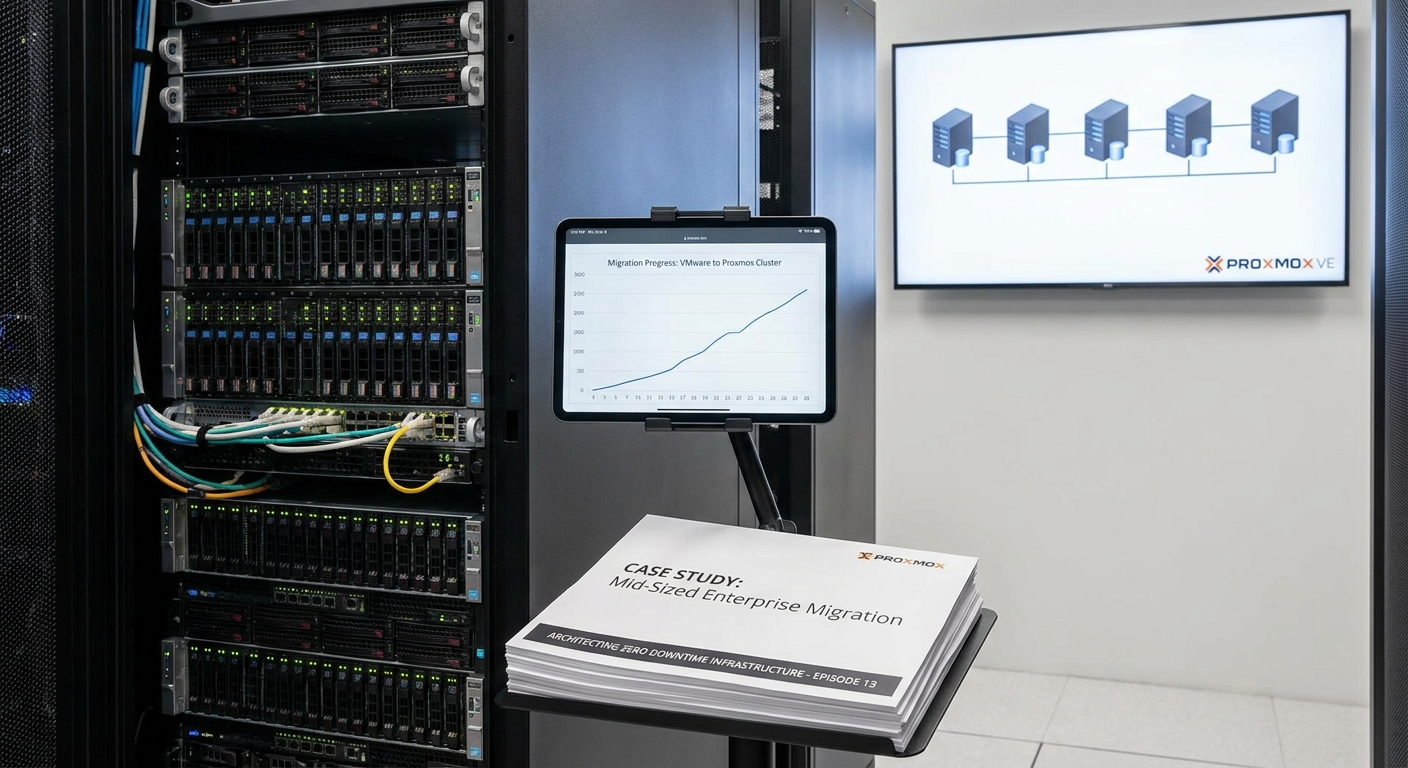
Instead of a three-node cluster, we designed a new five-node cluster using modern, high-density servers. My personal rule of thumb for a workload this size is to have what we call N+2 redundancy. This means the business can lose two entire hosts to failure or for maintenance, and the system continues to operate without any service degradation. That’s real peace of mind.
The most significant architectural change, however, was moving to a hyper-converged model. Think of it like this: instead of having separate computers (servers) and a separate, expensive central storage brain (the SAN), we give each server a piece of a bigger, collective brain. We completely eliminated the dedicated SAN.
In its place, we built a Ceph storage cluster using the blazing-fast NVMe drives inside each of the five Proxmox nodes. This creates a single, incredibly fast, and self-healing pool of storage. To connect it all, we built a resilient network on a pair of redundant 10-gigabit switches, with bonded connections for both Ceph’s backend traffic and the primary VM networking. It’s a clean, elegant design with absolutely no single point of failure.
The Move: Measure Twice, Cut Once
With a solid design in place, the focus shifts to execution. And let me tell you, in a project of this scale, planning is everything. You never, ever start with the crown jewels.
My process is to build a carefully phased migration plan. We begin with the least critical systems—development servers, staging environments, internal tools. This allows the team to learn the process, iron out any kinks, and build confidence in a low-risk environment.
For every single virtual machine, we create a detailed runbook. This is a precise checklist covering:
- Pre-migration checks (backups, snapshots).
- The specific offline conversion method.
- A rigorous post-migration testing protocol.
- And crucially, a clear rollback procedure. If anything doesn’t look 100% right, you can revert instantly.
This isn’t just a technical exercise; communication with business stakeholders is paramount. We scheduled tight migration windows, typically overnight or on a weekend, to ensure absolutely minimal disruption to operations.
In the Trenches: The Mechanics of the Move
Alright, let’s get into the mechanics. For the majority of these machines, the process was quite methodical. We’d start by exporting the VM from VMware as a standard OVA file. Then, on the Proxmox side, we used a command-line tool, qm importovf, to handle the conversion and create the new VM. It’s a clean, scriptable process, which is exactly what you want for consistency.
Now, this is where experience comes in handy. Windows VMs, in particular, can be tricky. They won’t boot correctly on new hardware without the right drivers. My little trick here is to prepare them by injecting the VirtIO drivers for the disk controller and the network card before the final shutdown on VMware. This ensures that when Windows wakes up in its new Proxmox home, it can actually see its disk and talk to the network.
For some of the more sensitive Linux applications, we found a little post-migration tuning was needed—perhaps adjusting the CPU type emulation in KVM to get that last ounce of performance. It’s all about that attention to detail.
My Unbreakable Rule: Pull the Plug
Once the systems are running on the new platform, the job isn’t done. This next step is where theory becomes reality, and it’s how you build true, unshakeable confidence in the new system.
My unbreakable rule on a project like this is to perform a controlled failure test, with the client’s team right there in the room with me. During a planned maintenance window, we walk over to the server rack, and I have them physically pull the power cables from one of the live cluster nodes.
It’s a powerful moment. You can see the initial anxiety on their faces. We then turn to the monitor and watch the Proxmox interface. The system immediately detects the failure. Within minutes, you see the high-availability manager automatically restarting those affected VMs on the other healthy nodes in the cluster. No human intervention needed. Just a clean, fast, automatic recovery.
This isn’t just a feature on a datasheet; it’s a live, visceral demonstration of the system’s resilience. It proves the design works exactly as promised.
Every Project Has One: The ‘Gotcha’ Moment
Of course, no project of this scale is ever entirely frictionless. Every experienced engineer knows to expect at least one ‘gotcha’ moment. For us, it appeared a week after the final cutover.
One of the company’s most critical legacy database applications began showing intermittent performance degradation. It wasn’t failing, it was just… slowing down unpredictably. When this happens, my process is methodical. We started by checking the physical layers.
- Storage: We analyzed the Ceph cluster’s performance. The metrics were flawless—IOPS and latency were far better than the old SAN.
- Network: Again, latency was low, throughput was high, no issues there.
When the underlying infrastructure is proven to be solid, you have to look deeper at the guest configuration itself. After reviewing the specific VM settings, we found the culprit. By default, Proxmox uses a generic, highly compatible CPU type for its VMs. For 95% of workloads, this is perfect. But this particular older application was sensitive to specific CPU instruction sets that the generic emulation was masking.
The fix, once identified, was beautifully simple. I changed that one VM’s CPU type to ‘host’, which allows the virtual machine to see and use the physical CPU’s features directly. The problem vanished instantly.
It’s a perfect real-world lesson: granular control isn’t just a nice-to-have feature; it’s what allows you to solve the really hard problems.
Six Months Later: The Real-World Impact
So, let’s fast forward six months. This is the point where you look past the technical success and measure the real business outcome.
The financial impact was immediate and staggering. We projected a 70% reduction in virtualization-related costs over the next three years. That’s a figure that gets any CFO’s attention.
But what I find even more satisfying are the performance gains. The IT director told me a key database report, which used to take nearly an hour to run on the old SAN, was now completing in under twenty minutes. A three-fold improvement, directly attributable to the all-flash Ceph storage.
And for the operations team, their daily life is simply better. They manage the entire stack from a single web interface, and the integration of Proxmox Backup Server has turned their backup and recovery process from a source of anxiety into a routine, reliable task.
Key Takeaways from Our Journey
Looking back at this project, the core lessons are crystal clear:
- Meticulous planning is what truly underpins a successful migration. The work you do before you move a single byte of data is what determines the outcome.
- This is a clear demonstration that open-source platforms like Proxmox are absolutely enterprise-ready. They are not just for labs or hobbyists anymore.
- The move to a hyper-converged architecture delivers profound benefits that go far beyond just cost savings—it delivers incredible performance and operational simplicity.
Thank you for joining me for this deep dive! The foundation of the architecture we built here was software-defined storage using Ceph. But this highlights the flexibility you gain with these modern platforms. Another immensely powerful option in the Proxmox ecosystem is ZFS, whose approach to data integrity is a complete game-changer.
That’s why I hope you’ll join us next time for Episode 14, as we explore ‘ZFS Basics: Why the Industry is Obsessed with It’. You won’t want to miss it.
As always, I’d love to hear your thoughts or questions in the comments below! Talk to you next time.
Leave a Reply